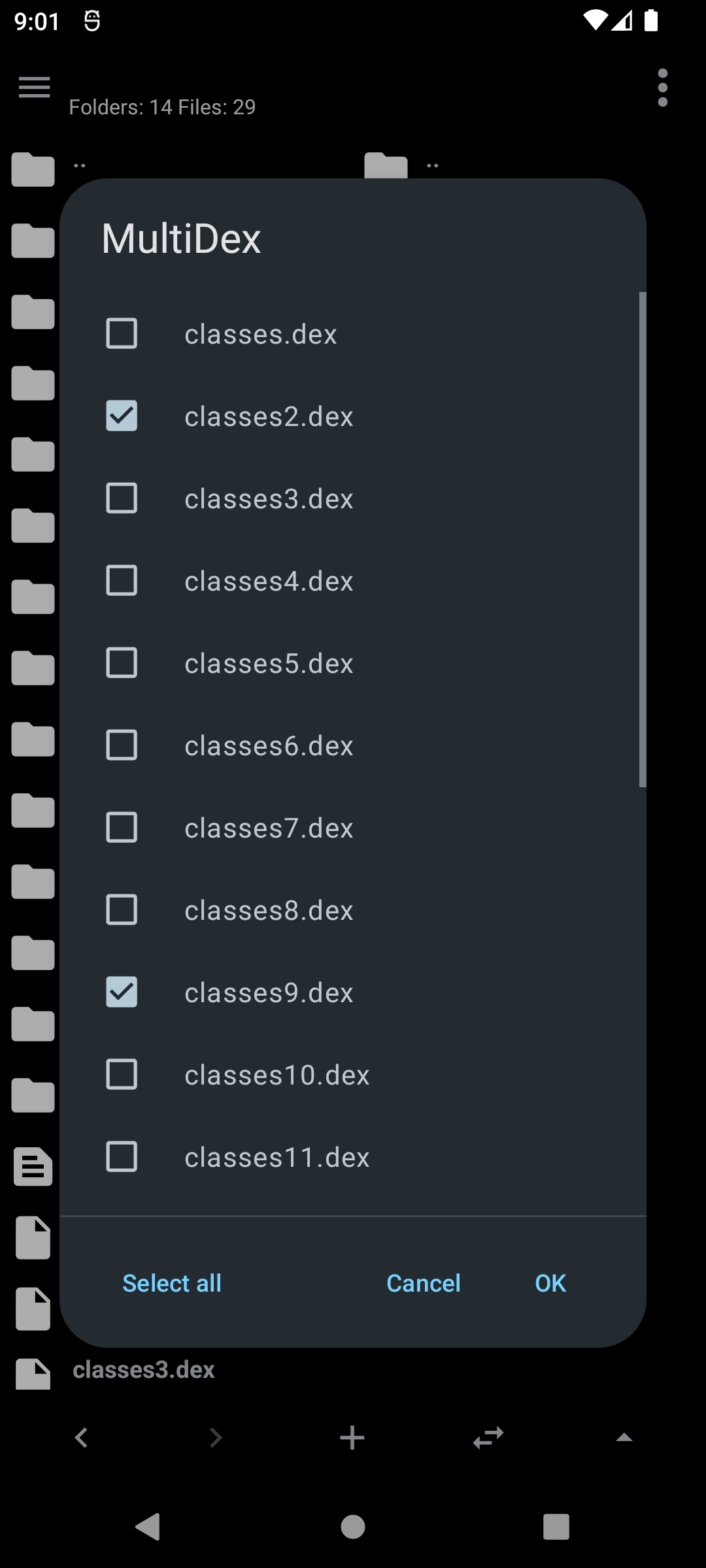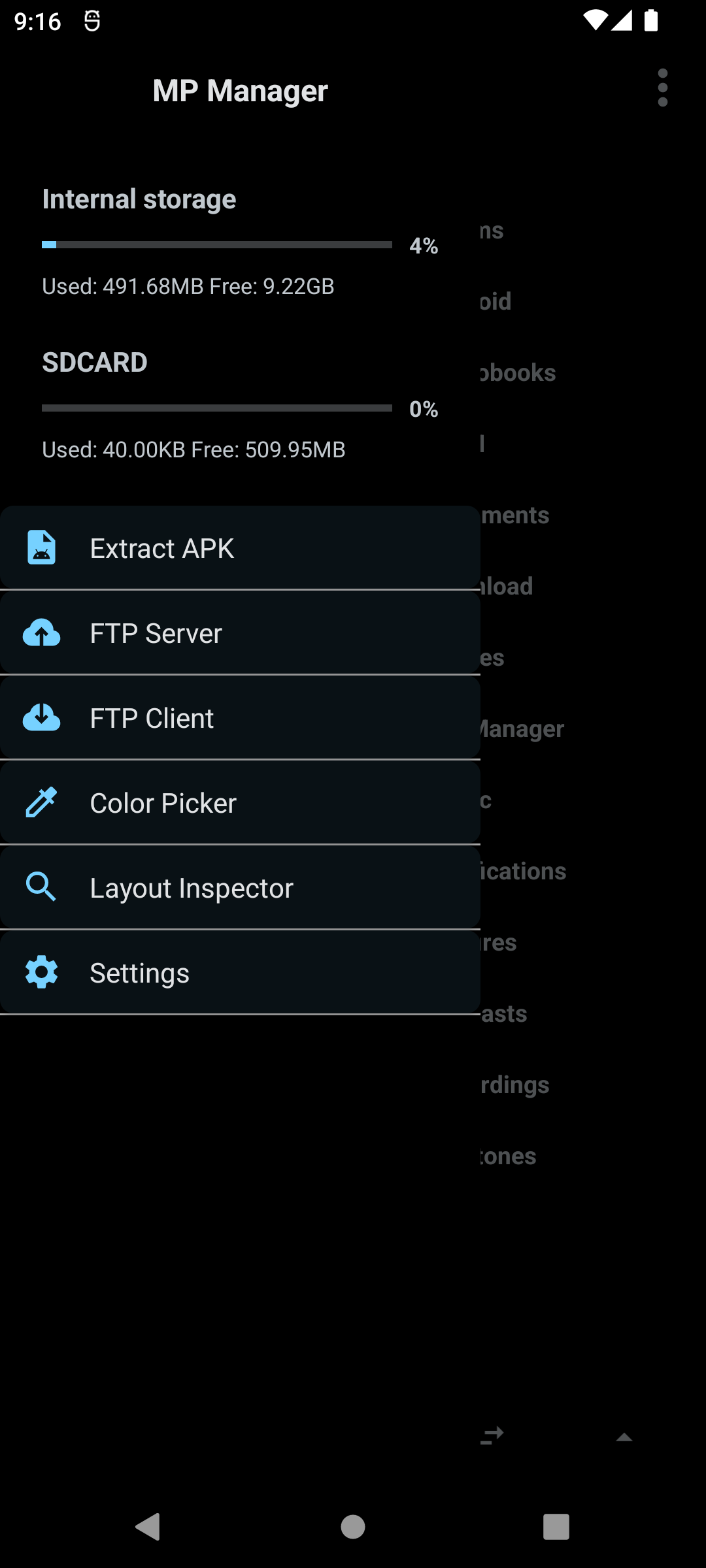
File Manager
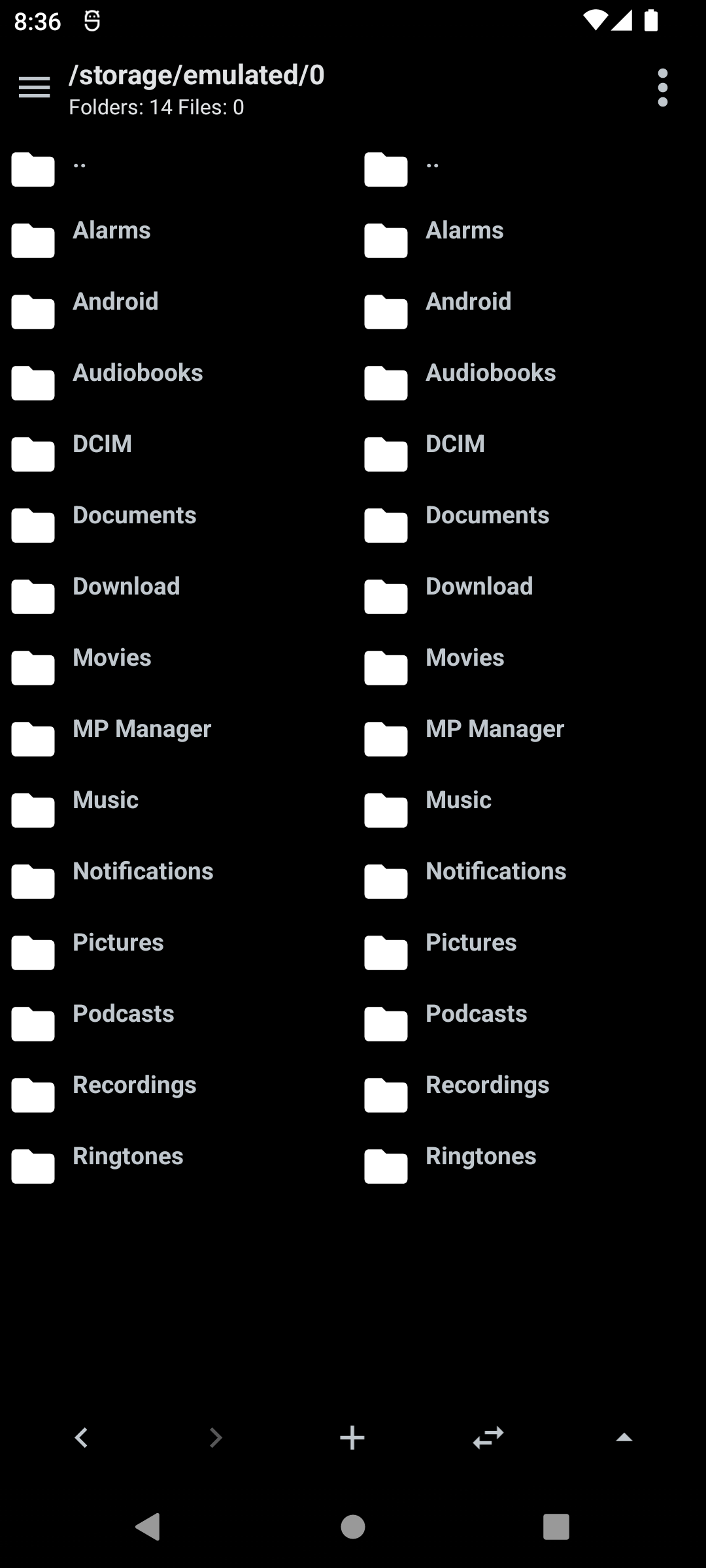
Dual pane navigation
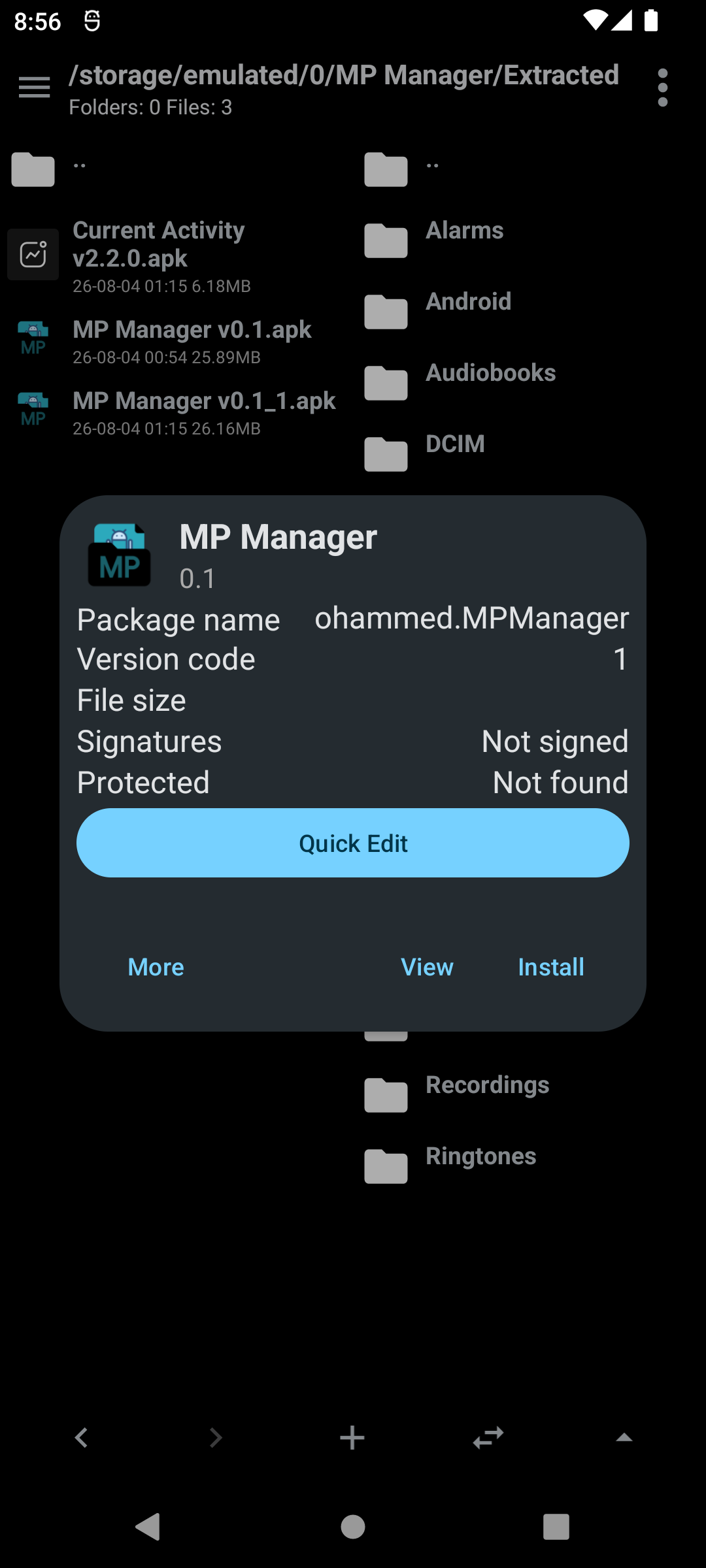
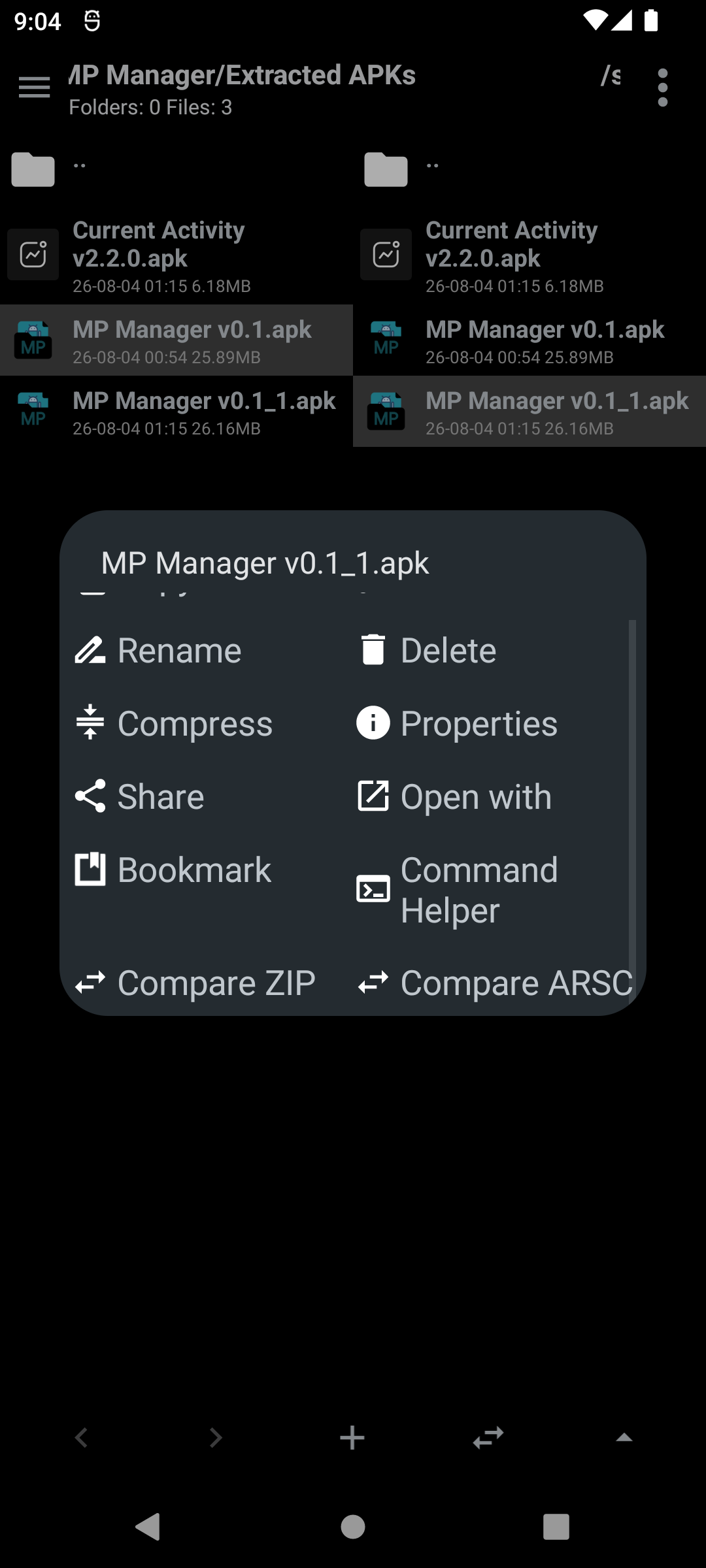
Browse two folders side by side, making it easy to move or copy files from one pane to the other.
- Separate home folder for each pane
- Back and forward buttons
- Sync both panes to the same folder
- New file/folder button
- Parent folder button
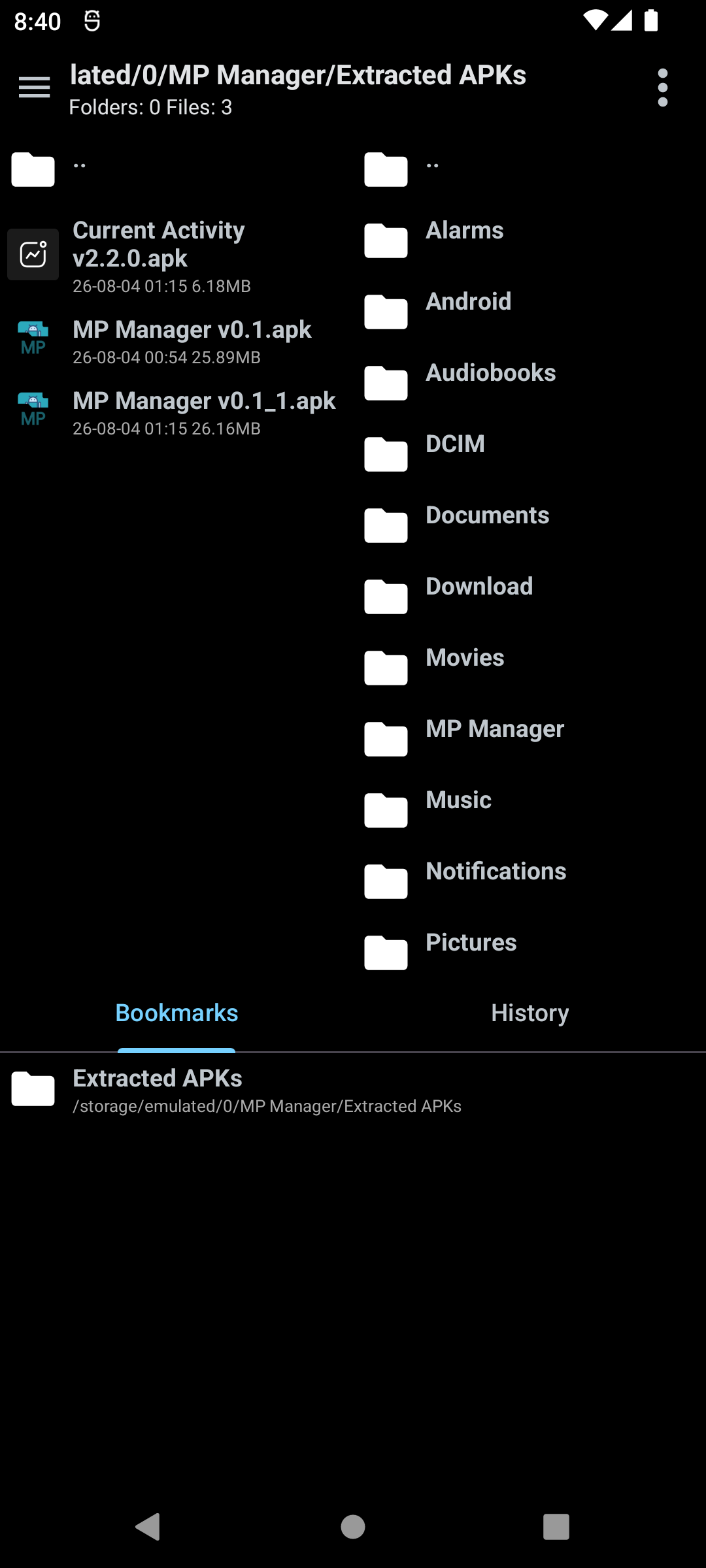
Bookmarks and history
Add any folder to bookmarks and manage them from a bottom drawer.
- Opens by swiping up on the bottom bar
- Tabs for bookmarks and navigation history
- Delete a bookmark by long pressing on it
Filtering, sorting and hidden files
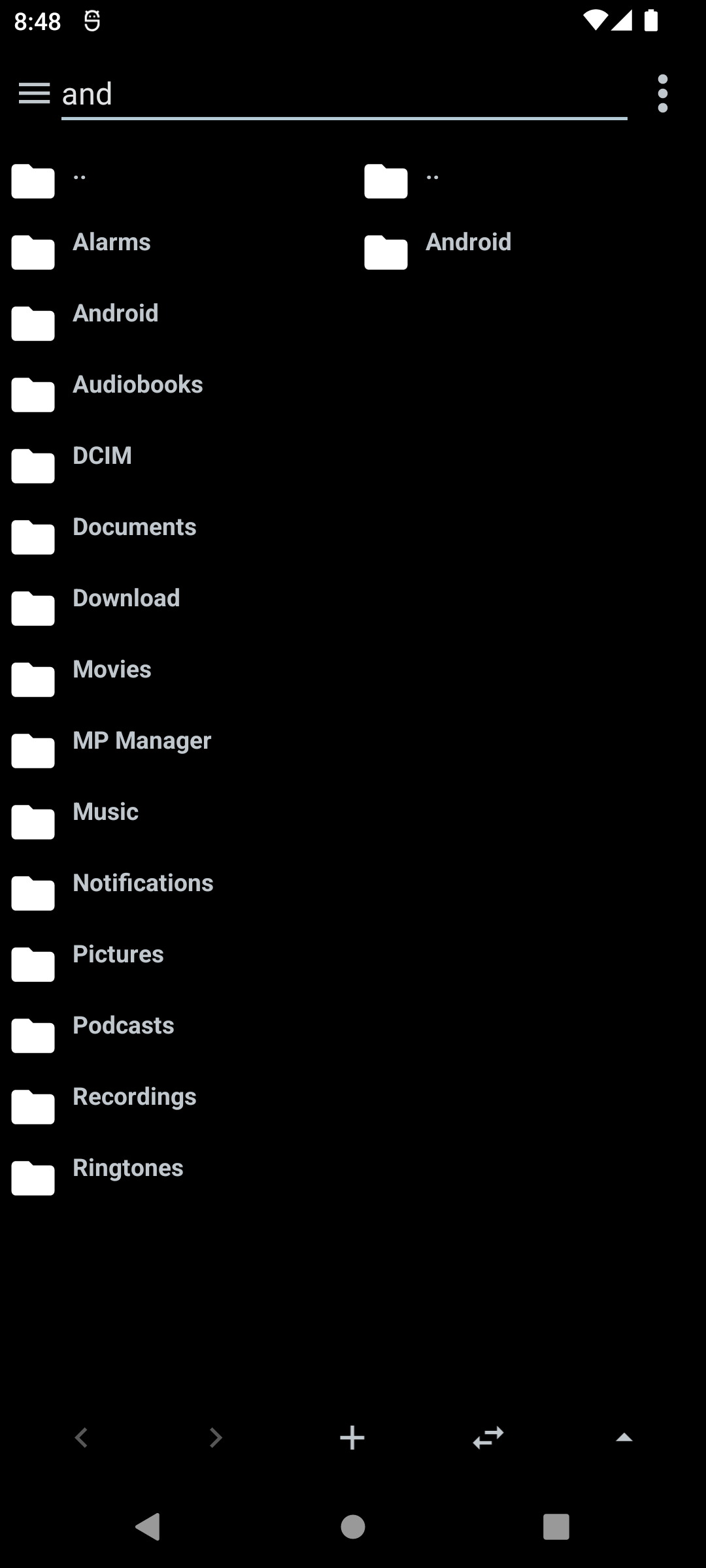
- Filter the current folder as you type
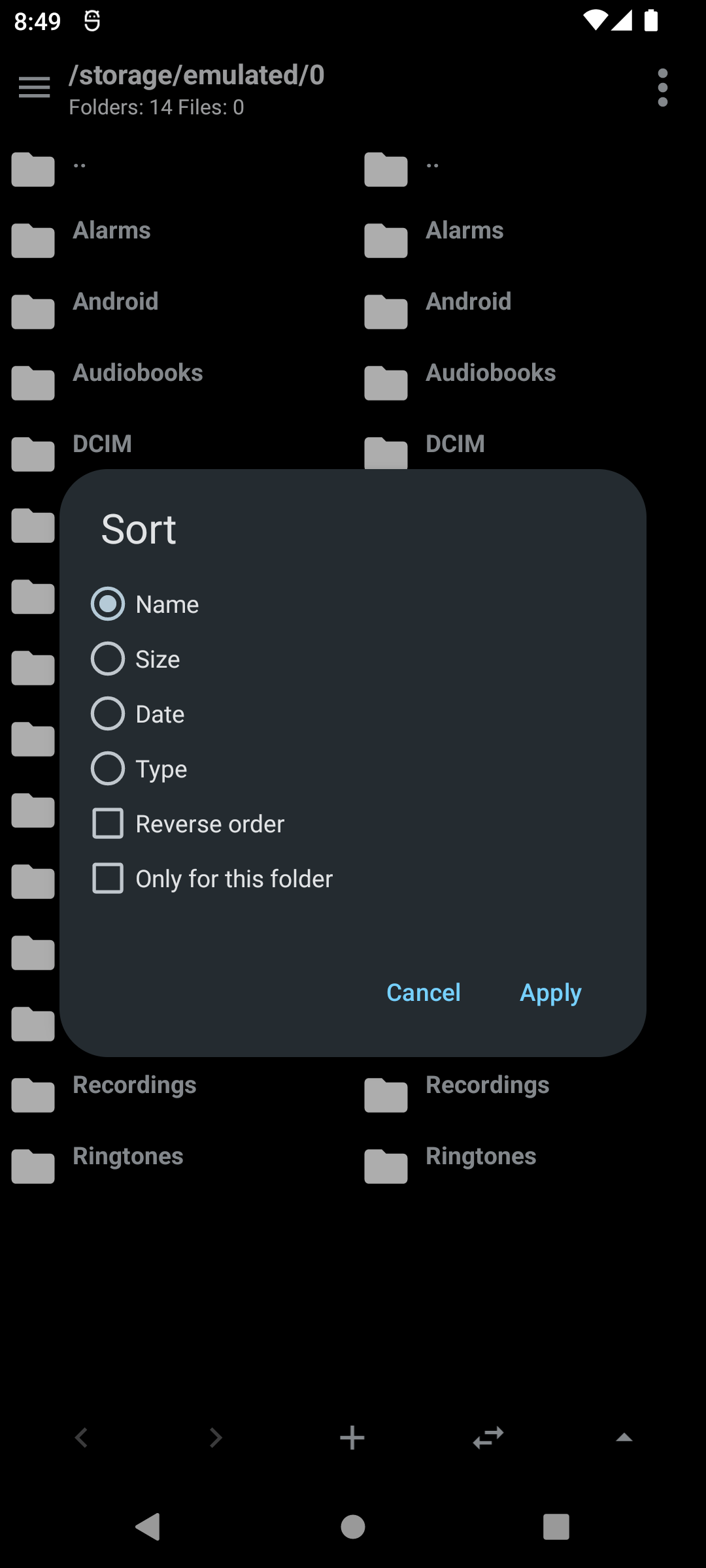
- Sort by name, size, date or type, with reverse order
- Choose whether a sort applies to the current folder or everywhere
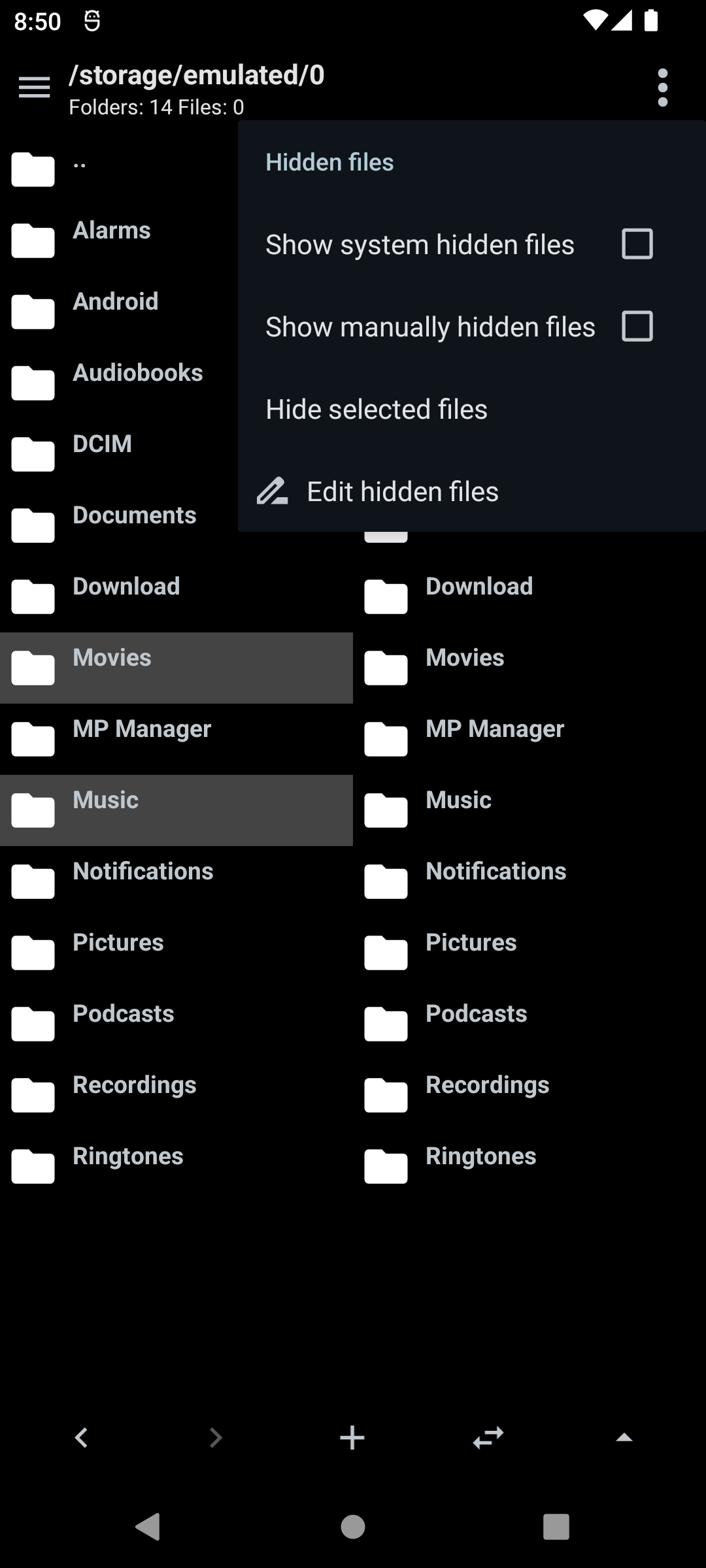
- Hide files from the list and show or hide system hidden files (dot folders)
- Edit the list of manually hidden files later
Advanced search
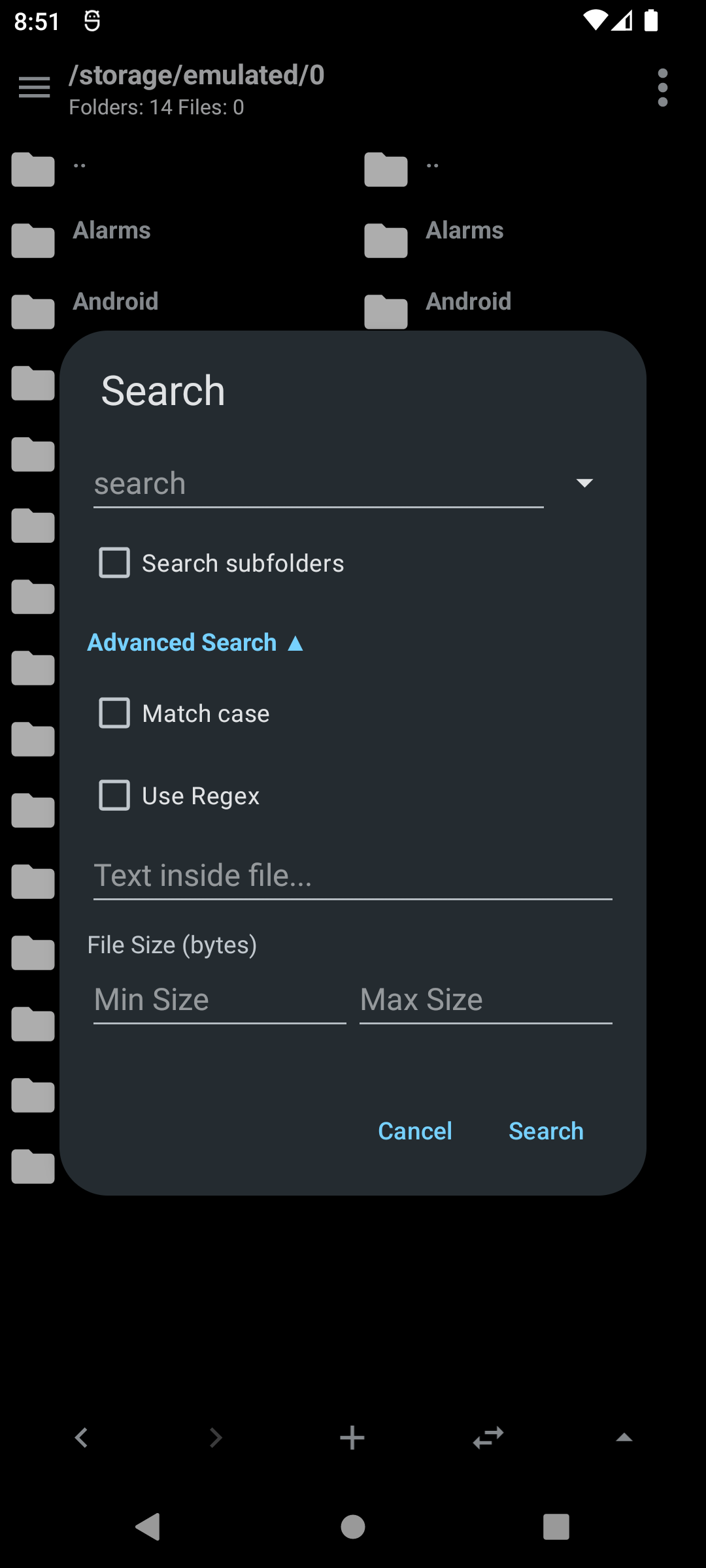
Search the current folder by file name, optionally recursing into subfolders.
- Match case and regular expressions
- Search for text inside file contents
- Set a minimum or maximum file size
- Recent searches saved for quick reuse
File operations
- Create, rename, copy, move and delete files and folders with progress reporting
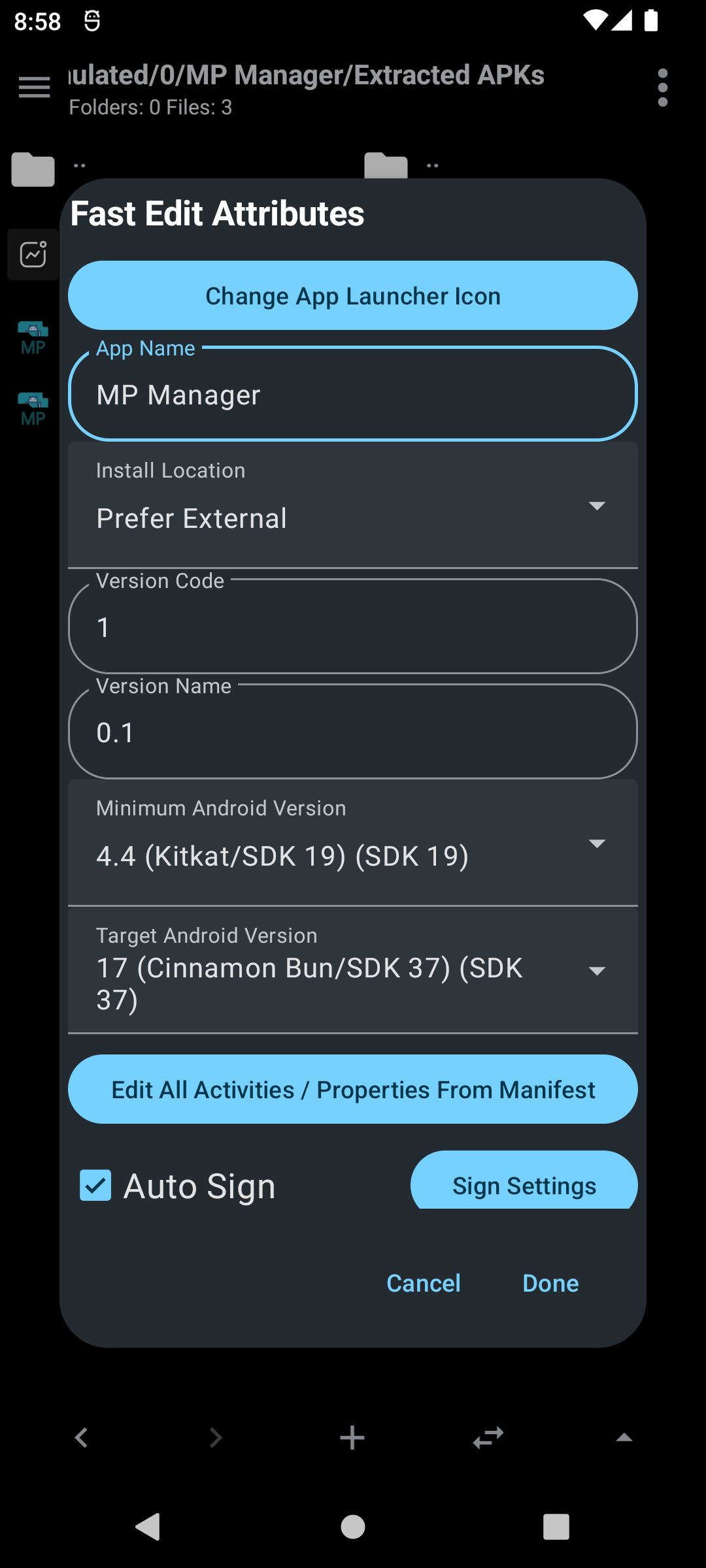
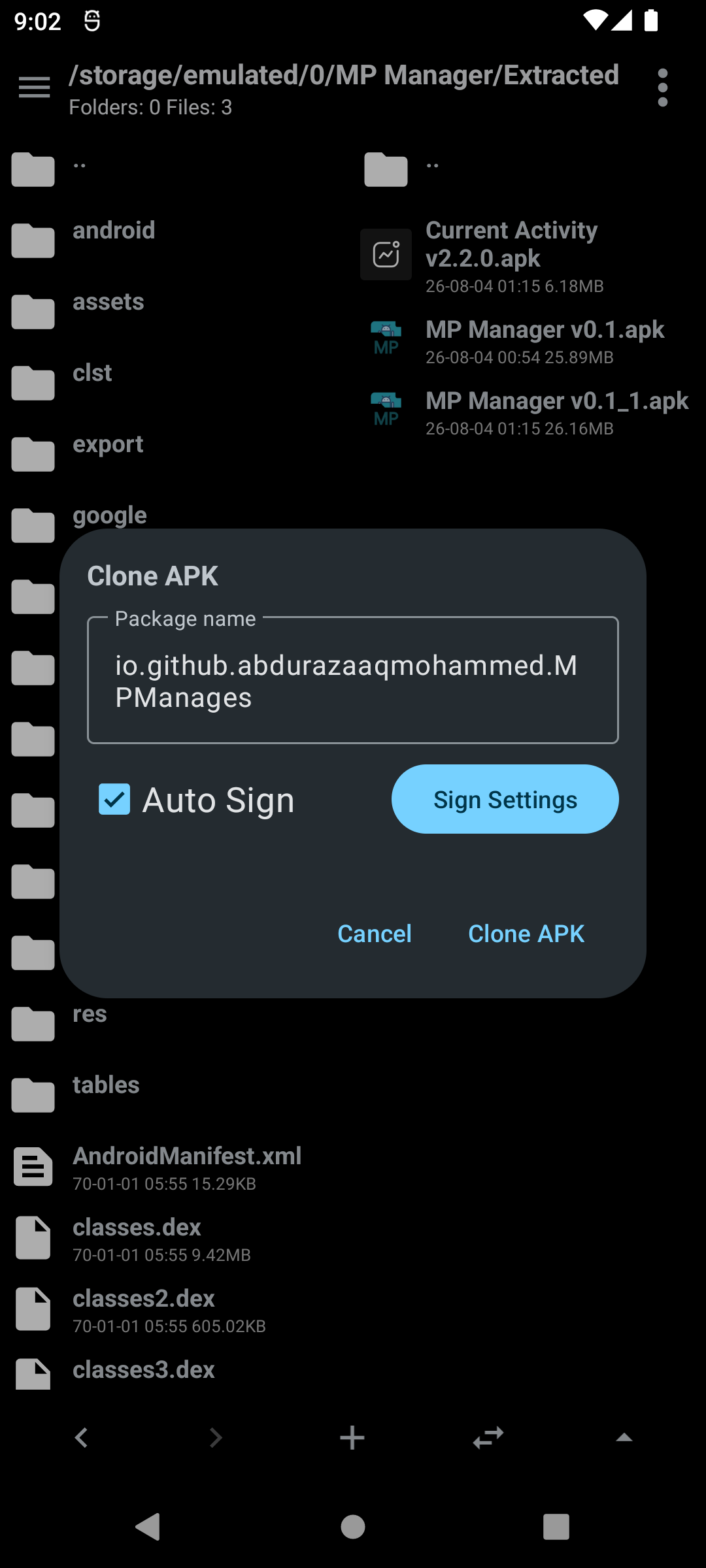
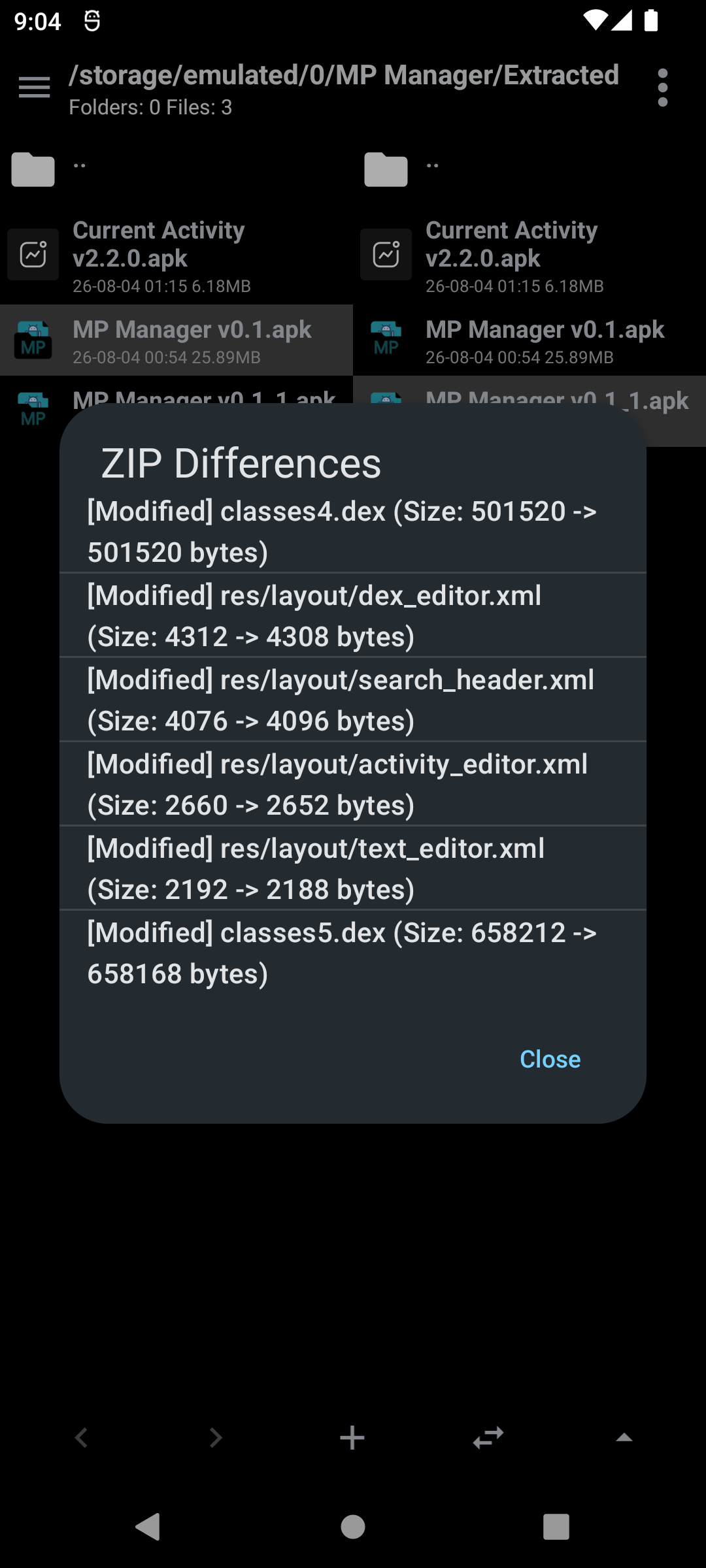
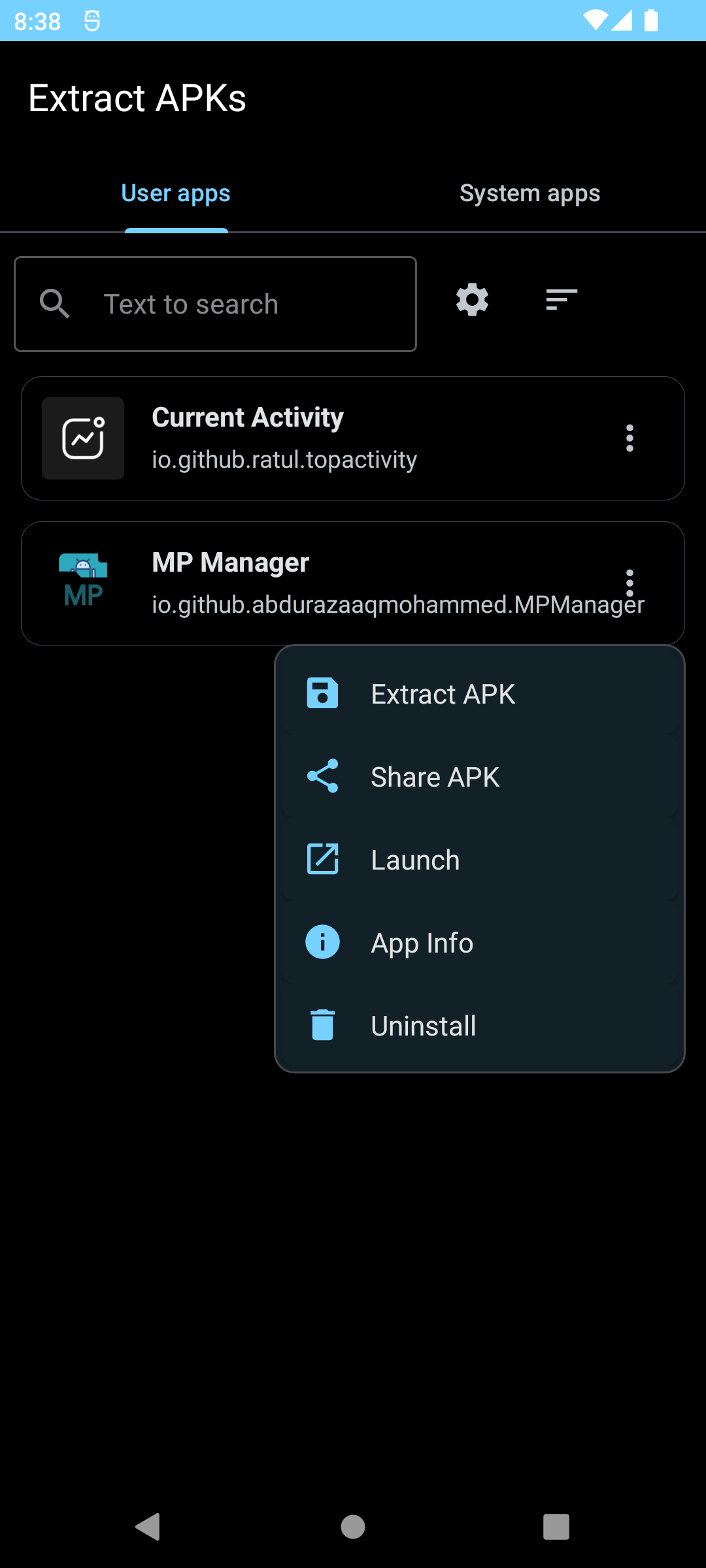
- Extract archives and add files to ZIP and APK archives, with an auto sign option for APKs
- Rename several files at once using templates with prefix, suffix, numbering and find/replace
File properties and sharing
- View type, size and last modified date
- Long press to copy any value to the clipboard
- Share files or open them with another app